This document assumes you've already completed the sign in process for the Access Evo and PeopleXD apps.
You can view your pay information in the PeopleXD app.
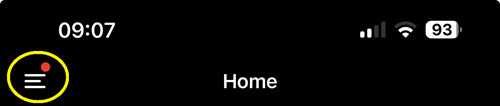
Open the PXD app locate the menu icon at the top left of the app window.
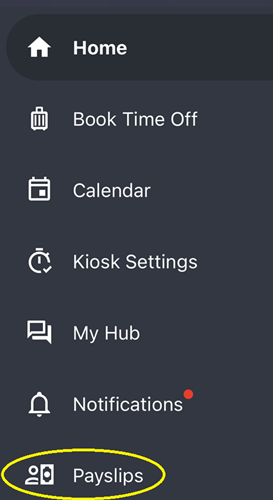
On the menu that appears, click on Payslips.
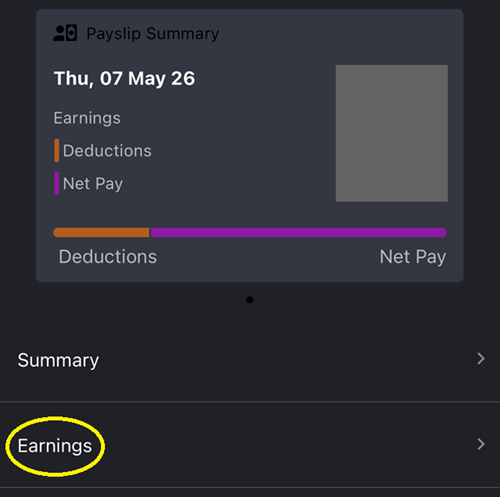
When your payslip appears, you should select the Earnings option to see details of your gross salary, and any additions or deductions that result in your net pay.